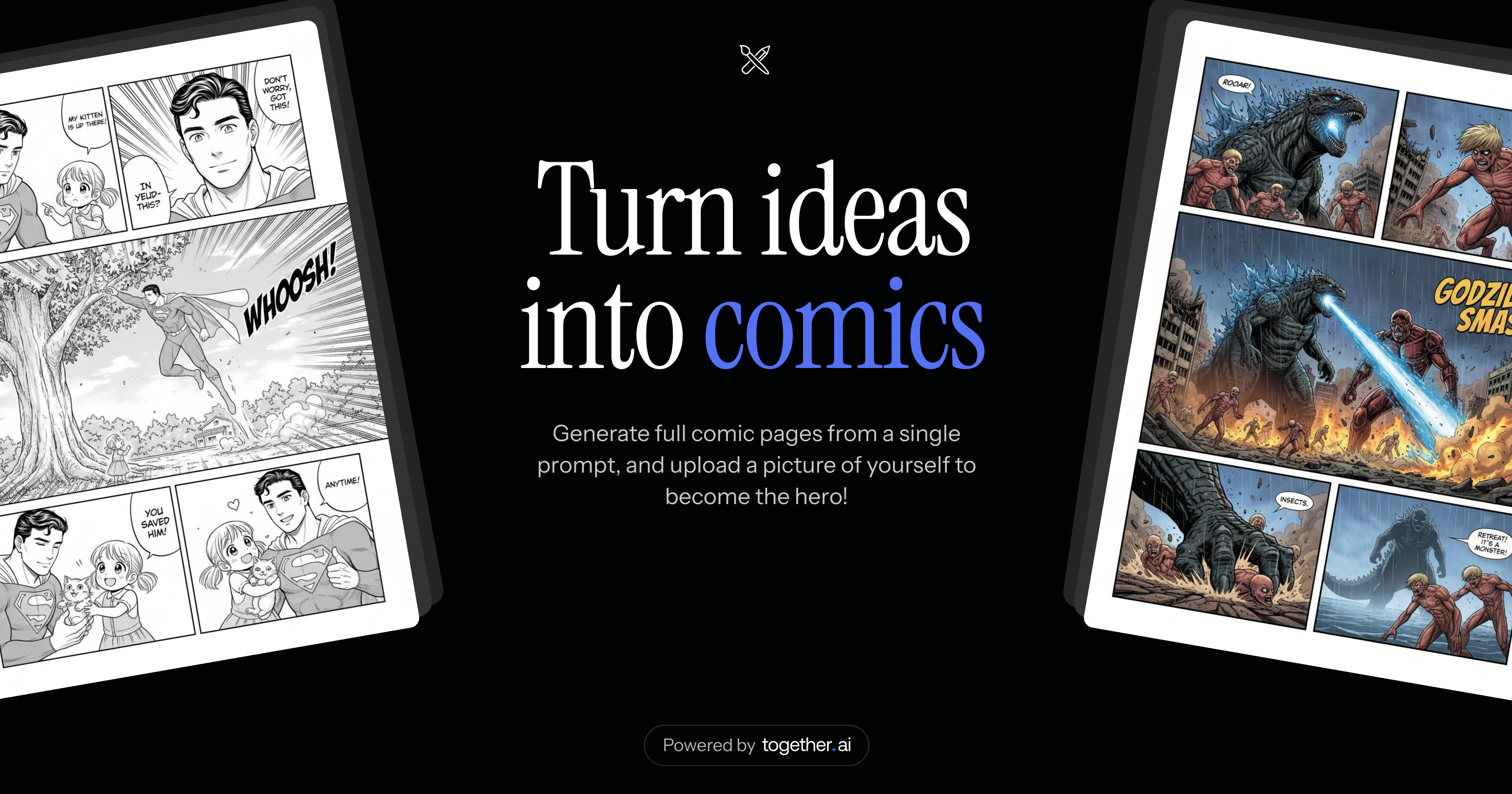
Create comic books with AI. Generate stories, characters, and panels using advanced AI models.
## How AI Generates Comics We use **Google Flash Image 2.5** to generate comic pages and **Qwen3 80B** to generate story titles and narratives. The AI references previous pages for visual coherence and uses uploaded character images to maintain consistency across panels. ## Tech stack - [Next.js 16](https://nextjs.org/) with React 19 and Tailwind CSS - [Drizzle ORM](https://orm.drizzle.team/) with [Neon](https://neon.tech) PostgreSQL database - [Clerk](https://clerk.com/) for authentication - [Together AI](https://together.ai/) for LLM and image generation (Google Flash Image 2.5 and Qwen3 80B) - [AWS S3](https://aws.amazon.com/s3/) for image storage - [Upstash Redis](https://upstash.com/) for rate limiting - [jsPDF](https://github.com/parallax/jsPDF) for PDF generation ## Cloning & running 1. Clone the repo: `git clone https://github.com/nutlope/make-comics` 2. Create a `.env` file based on `.example.env` and add your API keys: - **Together AI API key**: `TOGETHER_API_KEY=